Improve Support Efficiency with Innovative Tools
Manage all conversations and users in a shared area, and forget everything else. From here on out, it's just you and the customer – happily connected by Redhopper. Ready to get started?
Manage Conversations
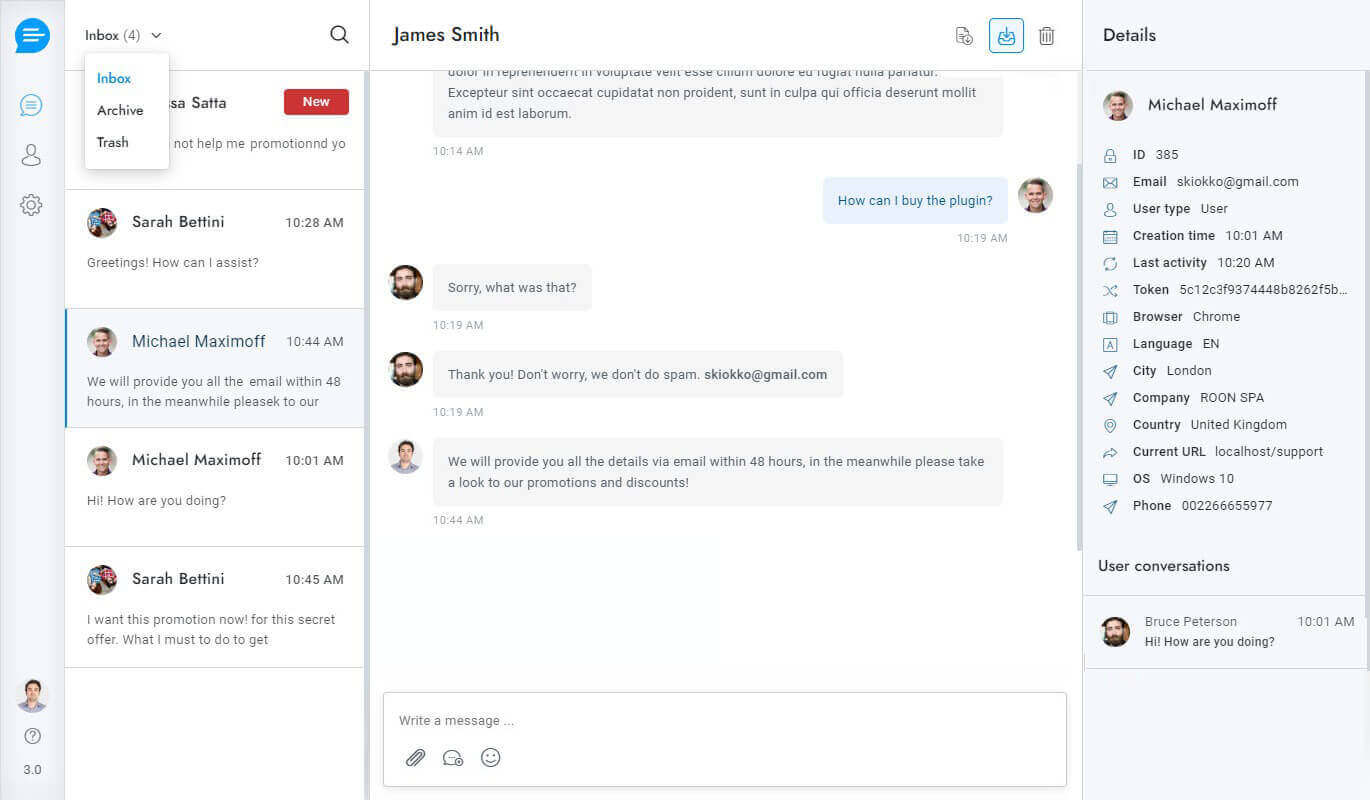
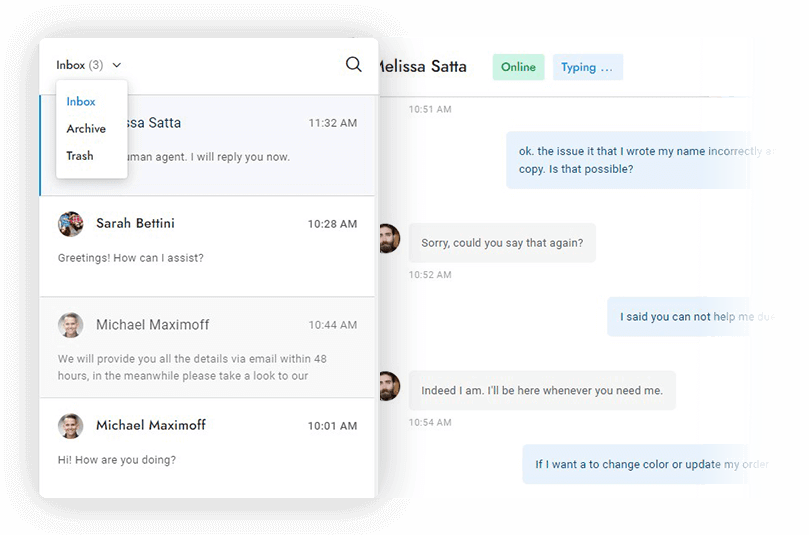
Easily manage your conversations in one place with our user-friendly interface. Search for conversations, delete messages, view users’ online status and see when they are typing in real time.
- Delete messages
- Search for conversations
- Download conversations
- Online and typing status
Knowledge Base Articles
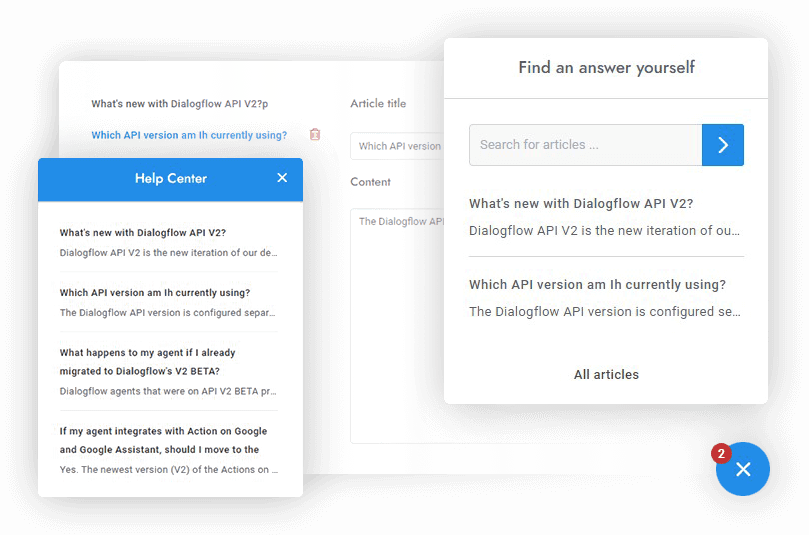
Provide faster help for customers and fewer questions for your agents with the integrated multilingual knowledge base. Create a help center area accessible from a dedicated page or within the chat in a few minutes.
- Dedicated articles page
- Search articles widget
- Categories
- Multilingual
Message Editor
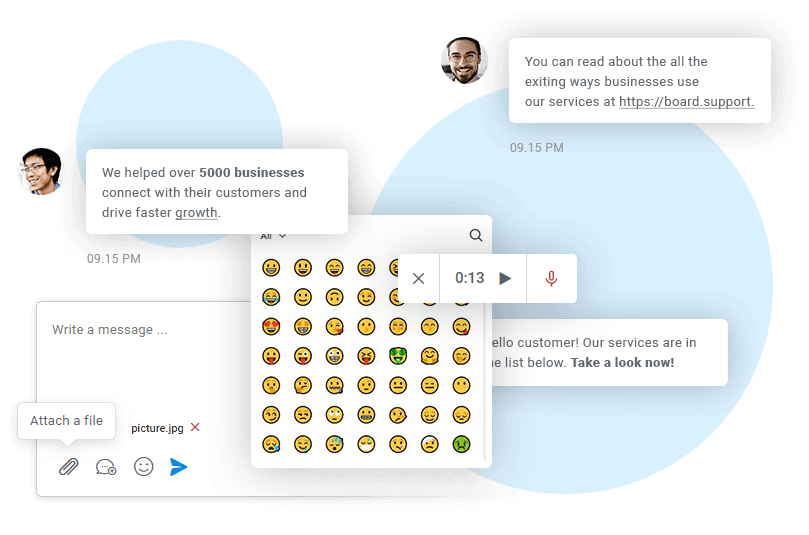
Create the perfect message by using 3000+ emojis and use markdown syntax to format the text. Surprise your users with voice messages, and attach media and files in just one click.
- Text formatting and markups
- Attachments
- 3000+ emojis
- Voice messages
Saved Replies
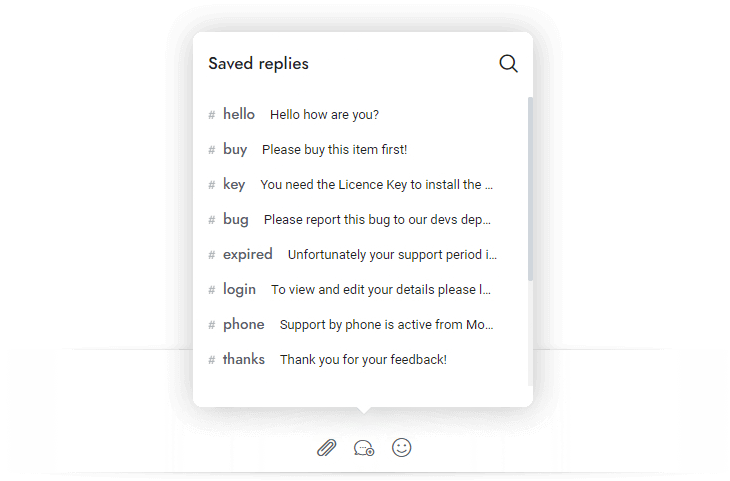
Save precious time and avoid the headache of having to repeat the same tasks. With saved replies, you won't have to type the same messages over and over. You can also save Rich Messages and custom content.
- Insert by keyboard shortcut
- Save custom content
- Save and reuse messages
- Save Rich Messages
Departments
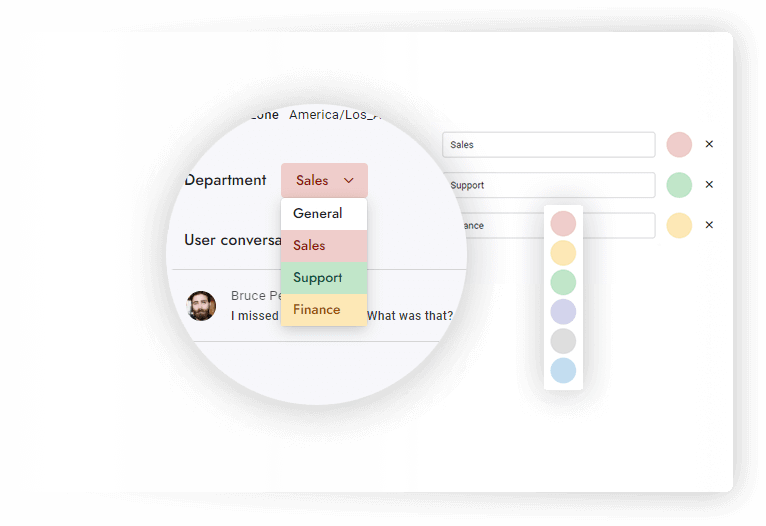
Organize conversations and assign departments to agents. Transfer rules so that your conversations will always land in the right hands. Route conversations and send department – specific email notifications.
- Department email notifications
- Restrict access to conversations
- Update conversations department
Real-time Queue
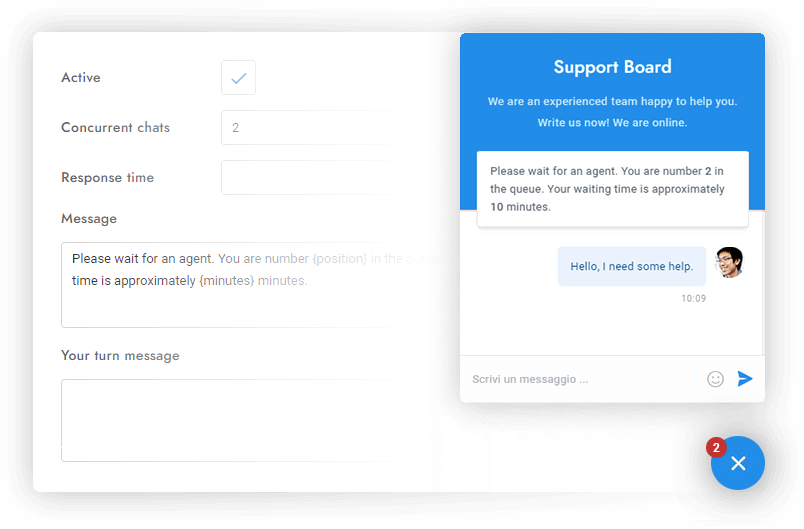
Notifies visitors of their position in the queue and waiting time in real-time. Automatically distribute the conversations among all available agents and set concurrent chats limit.
- Waiting time and queue position
- Updates in real-time
- Set max concurrent chats limit
Routing and Agent Assignment
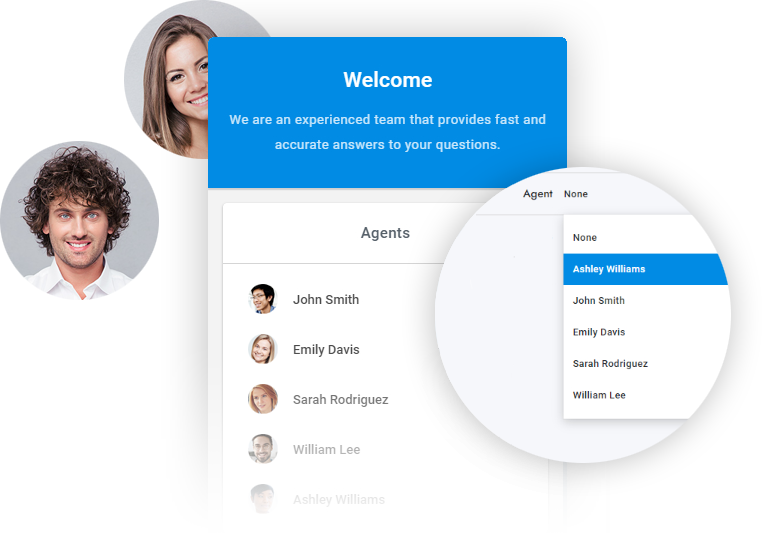
Assign conversations to available agents in a proportional manner or let your users select their preferred agent. Maximize efficiency and satisfaction with our advanced routing solutions.
- Auto-route chats to agents fairly
- Let your users select their preferred agent
Email Piping
Use piping to reply to user messages from your email inbox and convert emails to chats. Users can reply to agents by email as well! No server setup needed—just enter your IMAP/POP3 details!
- Reply to users via email
- No server-side configuration
- Users can reply by email
- Multiple email accounts
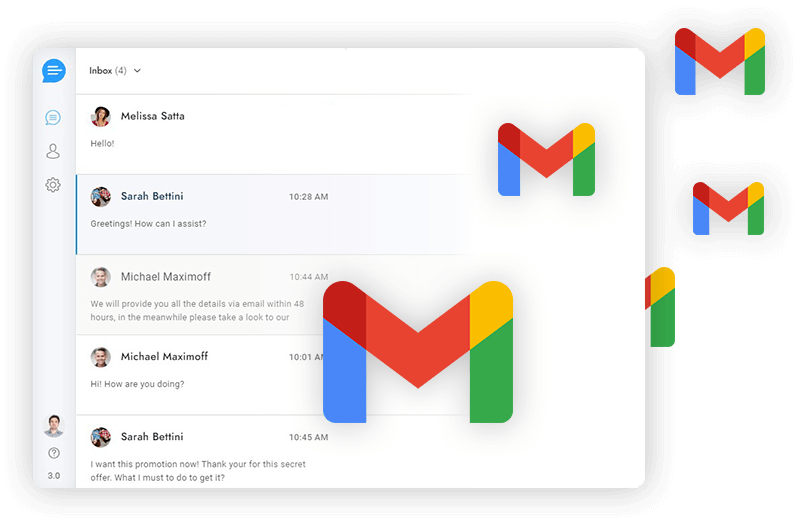

Omni-Channel Experience
Send and reply to WhatsApp messages, Facebook messages, Telegram messages, text messages, emails, tickets, and chat messages in Redhopper. Save time with communication that happens in one place.
- Telegram
- Text Messages
- Messenger
- Slack
- Emails
Translations in Real-Time
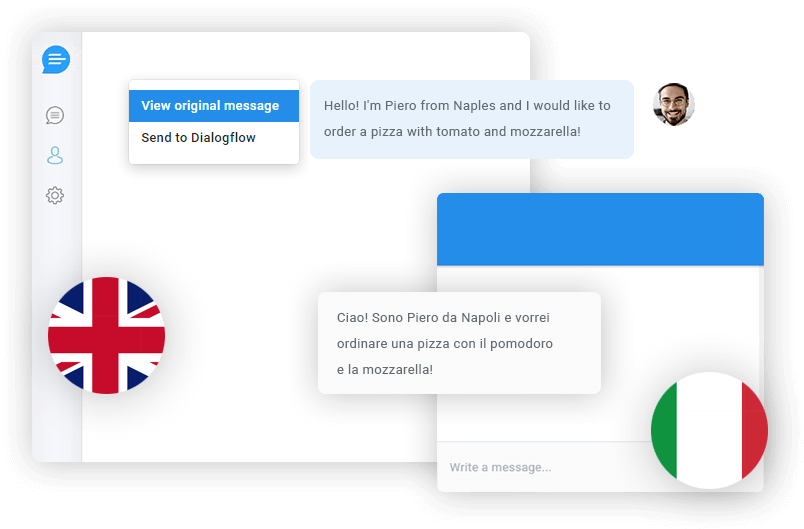
Effortlessly communicate with customers in their preferred language. Our system automatically translates messages between the user and agent or chatbot, ensuring smooth and efficient communication.
- Two-way translations
- Multilingual chatbot
- Translations in real-time
- Powered by Google Translate
Smart Reply
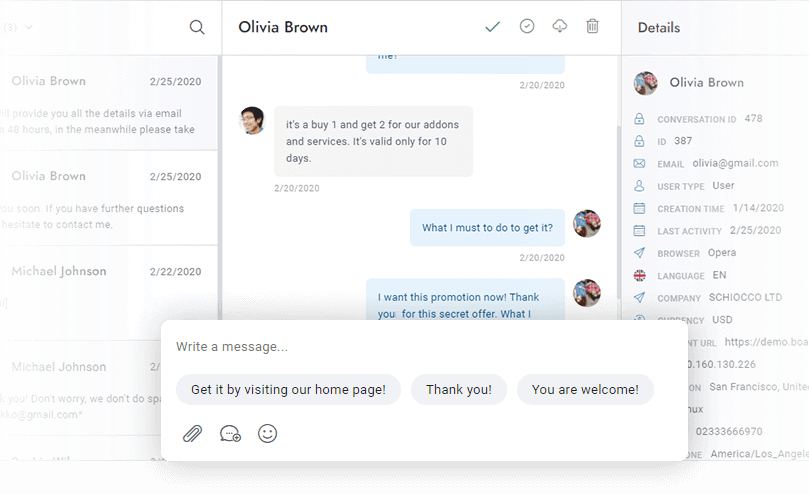
Smart Reply saves agents time by suggesting quick responses to agent messages in real-time using artificial intelligence. Get suggested answers in the user's language from both OpenAI and Dialogflow.
- OpenAI and Dialogflow suggestions
- Multilingual suggestions
Message Rewriting
Rewrite and improve your messages instantly with our one-click rewriting feature powered by OpenAI! Effortlessly send friendly and professional messages with ease!
- Revitalize your messages with a friendly and professional touch
- Powered by OpenAI
Spelling Correction
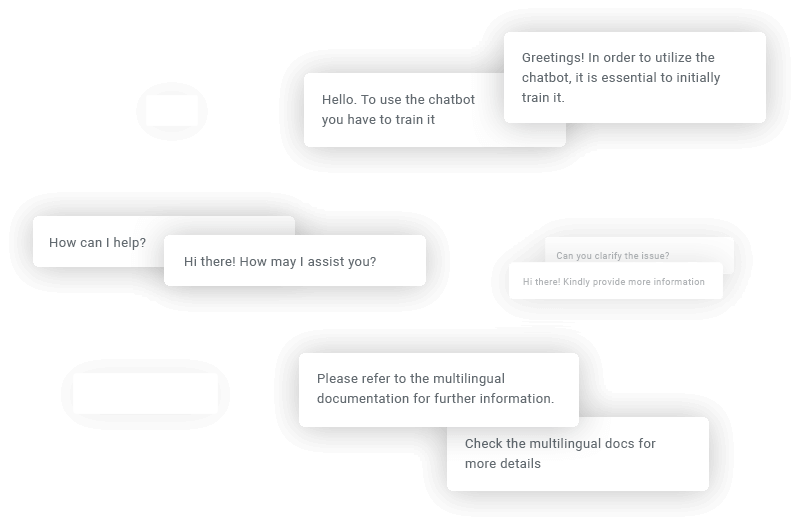
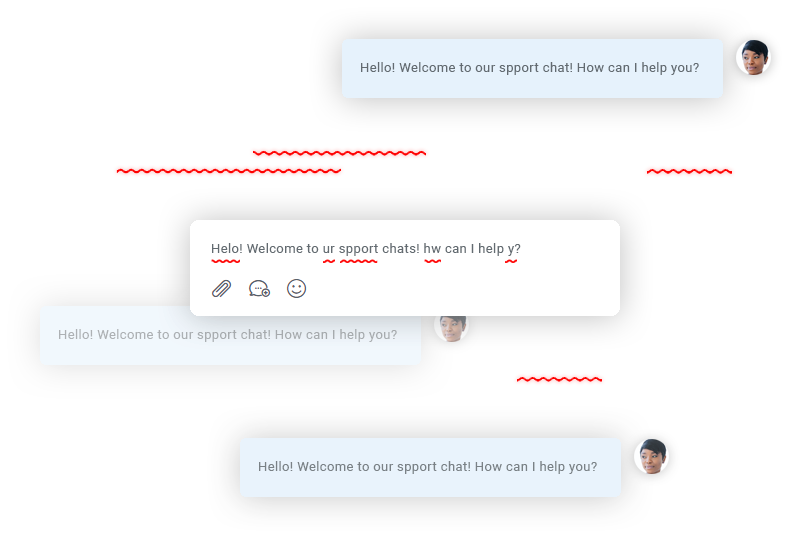
Automatically fix any spelling mistakes in agent messages in real time, effortlessly, in any language. Say goodbye to spelling mistakes, forever! This feature is powered by OpenAI.
- Fix any spelling mistakes
- Multilingual spelling correction
Speech Recognition
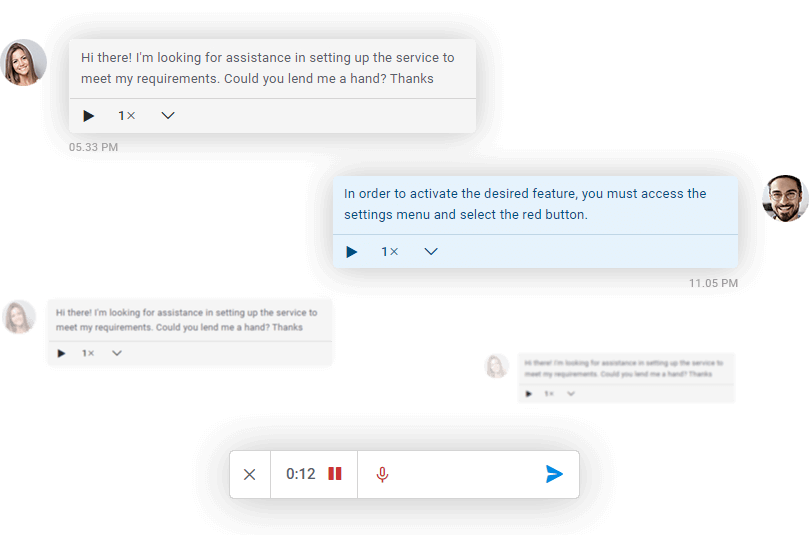
Instantly convert audio messages into written text with the OpenAI transcription technology. The text will be displayed alongside the audio player in real-time.
- Compatible with the translations feature
- It works for users, admins, and the chatbots
Multi-User Direct Messaging
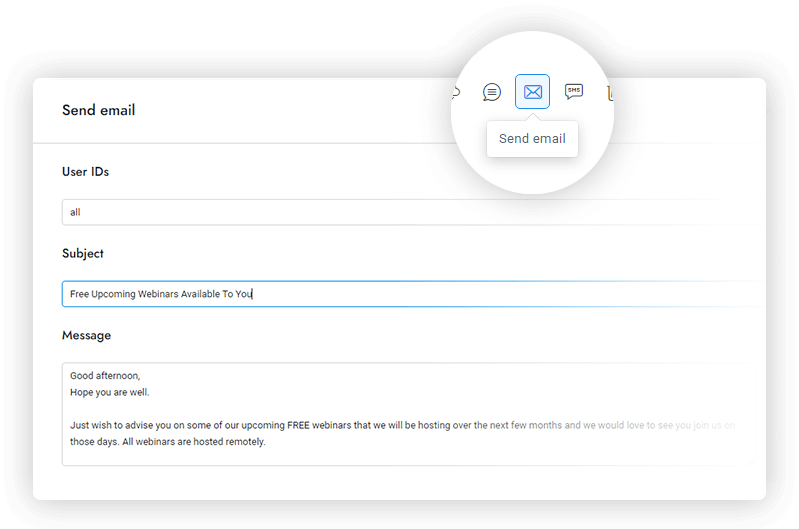
Send direct chat messages, emails, and text messages to users in real-time. Use custom merge fields to personalize every message and automatically send notifications.
- Support for emails, SMS and text messages
- Send messages to several users
Agent Ratings
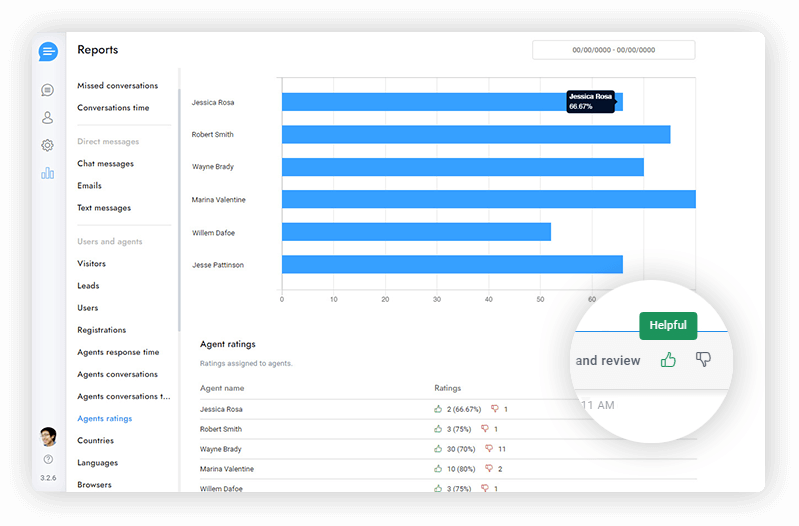
Gather feedback on your customers' live chat experiences and use lessons learned to improve customer service. Check your agents' ratings and send post-chat messages.
- Chat rating
- Post-chat messages
- Ratings report
- Works with tickets
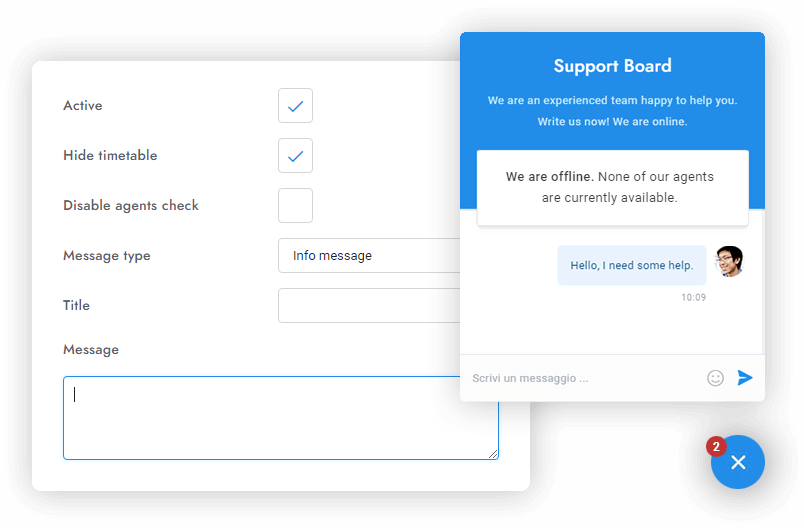
Offline Message
Send a message or display a banner to the user when it is not office hours or when all agents are offline. Personalize the message to show it only when you want it and the way you want it.
- Multiple message types and designs
- Disable agents check
- Display timetable